By default, overseerr will look for content with an English audiotrack, to request a film in it’s original language follow the following steps.
Once logged into https://overseerr.kerway.co.uk/
Search for your desired film
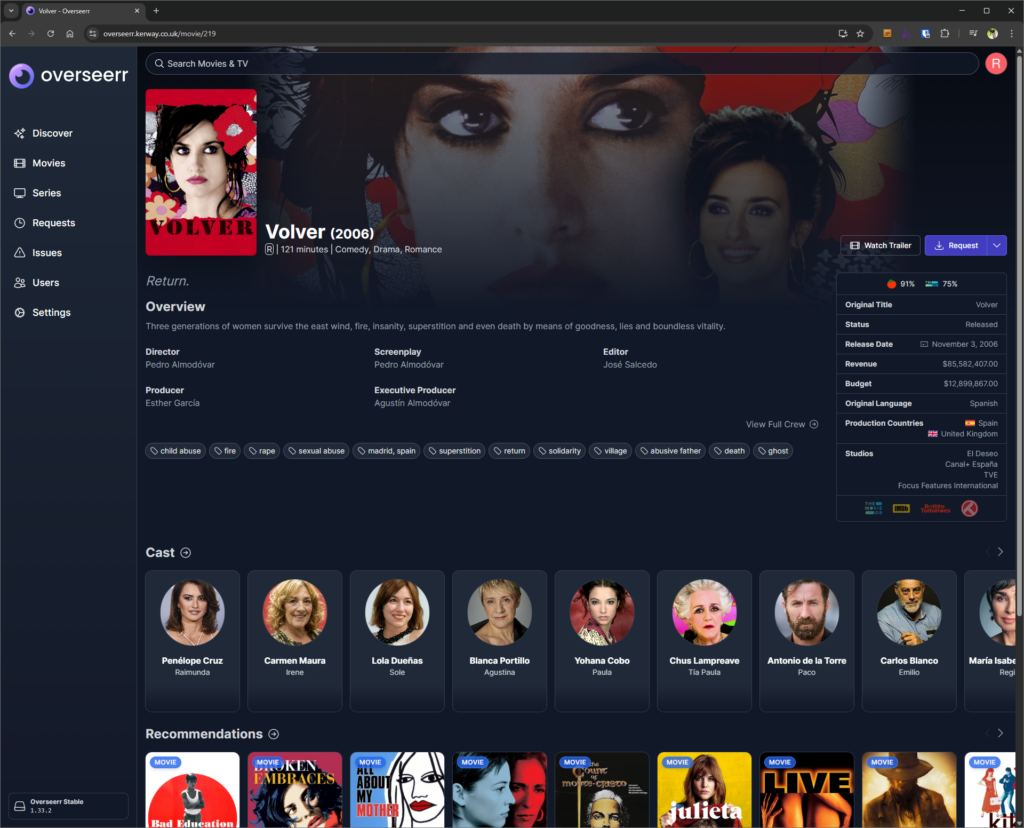
Note Original Language on the right hand side
Click Request as you would normally
Select HD – 720p/1080p – Original Language as the Quality Profile and then Request
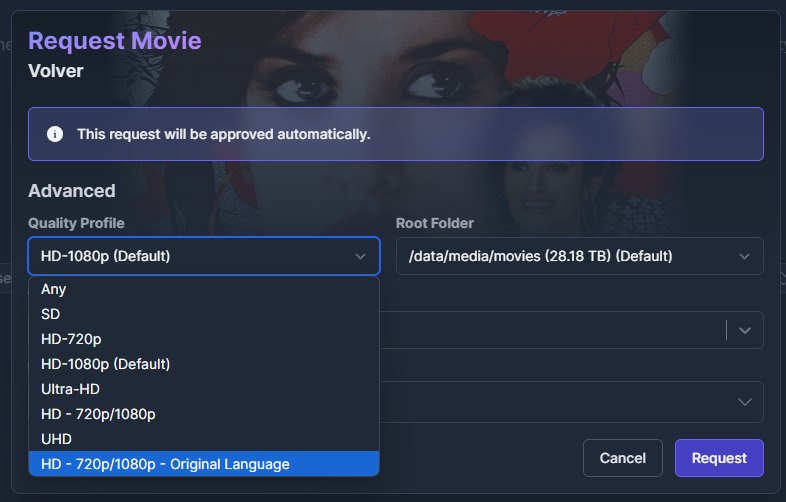
The system will then look for your request (once approved) in it’s Original Language
NB Once this is added to Plex you may need to select the Foreign Audio track in Plex
Finding foreign films/shows
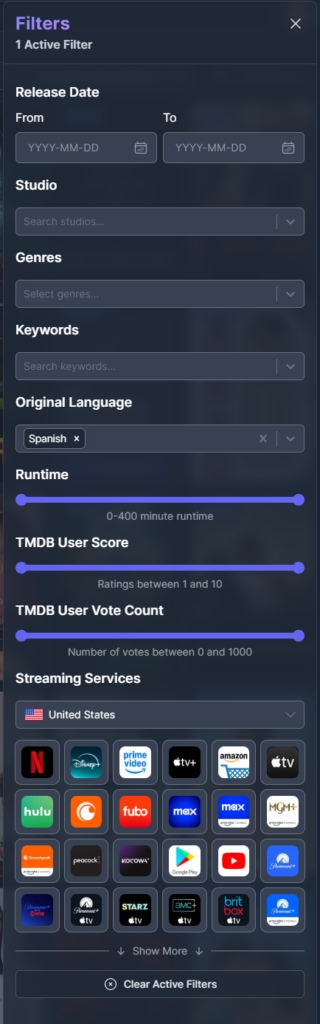
Overseerr has a number of filter options, one of which can be used to filter on Original Language

Choose your desired language
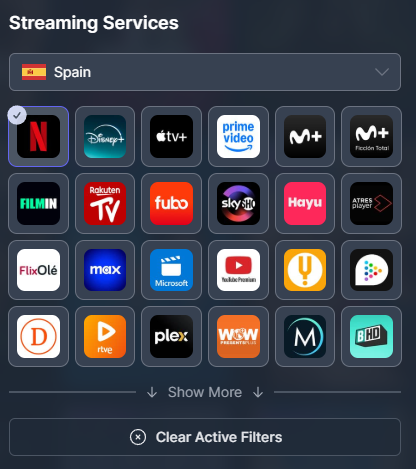
This can then be extended to filter by say content streaming on Spainish netflix
Leave a Reply